

In today’s remote-first world, virtual meetings have become the backbone of professional communication. Whether collaborating with teammates, presenting to clients, or attending online training sessions, how you conduct yourself during a video call directly reflects your professionalism.
Surprisingly, many professionals underestimate the impact of proper virtual meeting etiquette, which can result in miscommunication, distractions, and even missed opportunities.
For example, leaving your microphone unmuted, speaking over others, or appearing disengaged on camera can unintentionally damage your credibility. Conversely, mastering online etiquette ensures clear communication, active engagement, and a lasting positive impression.
From camera placement and background setup to punctuality, active listening, and thoughtful follow-ups, every detail matters. This guide provides essential rules, actionable tips, and best practices for navigating virtual meetings efficiently, confidently, and professionally.

Why Virtual Meeting Etiquette Matters
Virtual meetings differ significantly from in-person interactions, and therefore, demand a unique set of behaviors. Unlike face-to-face meetings, subtle cues like body language, tone, and facial expressions are easily missed or misinterpreted. Consequently, poor etiquette—such as interrupting colleagues, failing to mute your microphone, or neglecting to prepare—can derail productivity and strain professional relationships. Furthermore, organizations increasingly evaluate digital professionalism; clients and supervisors often judge your competency not just by your ideas but by how you present them virtually. Therefore, understanding and following proper virtual meeting etiquette improves collaboration, enhances clarity, and demonstrates respect for everyone’s time. Ultimately, consistent etiquette fosters a positive digital presence, builds trust, and reinforces your professional reputation, whether you are working remotely or interacting with international teams.
Before the Meeting: Preparation Tips
Preparation is crucial for virtual meetings because it sets the tone for professionalism and efficiency.
- Choose the Right Environment: Select a quiet, well-lit location free from distractions. Ideally, position yourself so that your face is clearly visible, and the background is tidy or neutral.
- Test Your Technology: Always check your microphone, camera, and internet connection before joining the meeting. Technical glitches can be avoided with a few minutes of pre-checks.
- Dress Professionally: Even if you’re at home, wearing appropriate attire helps maintain credibility. Avoid casual clothing unless the meeting culture explicitly allows it.
- Prepare Talking Points: Outline your contributions, questions, and any documents you need. Preparation ensures confidence and smooth communication.
- Join Early: Logging in a few minutes before the meeting allows time to troubleshoot unexpected issues and signals punctuality.
By addressing these details before the meeting, you prevent disruptions, reduce stress, and convey seriousness about your role.
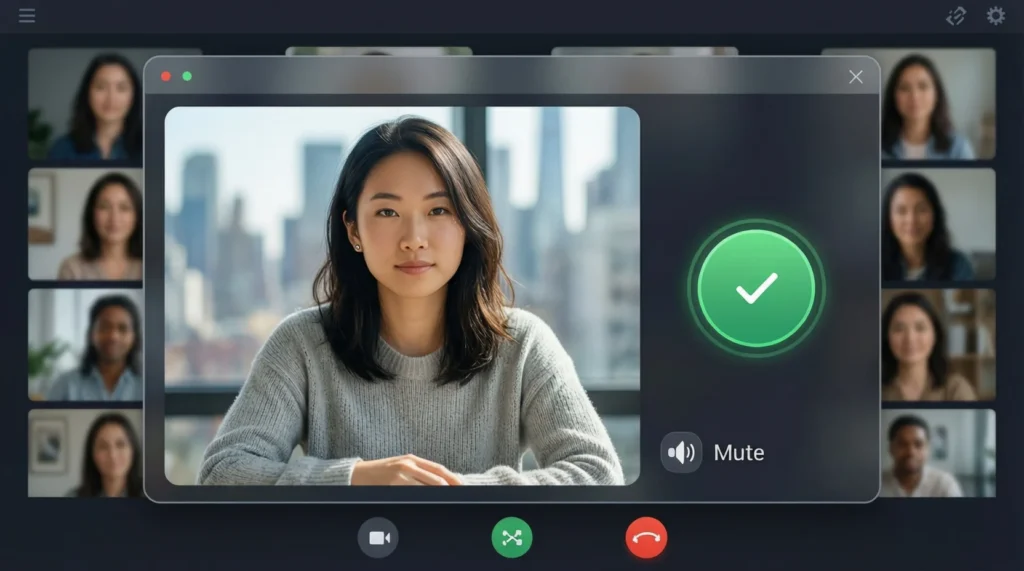
During the Meeting: Behavior and Engagement
Engaging correctly during the meeting is equally important.
- Punctuality and Presence: Join the meeting on time and stay engaged throughout. Avoid multitasking or appearing distracted on camera.
- Microphone Etiquette: Keep your microphone muted when not speaking to eliminate background noise, but unmute promptly when contributing.
- Camera and Body Language: Maintain eye contact with the camera, sit upright, and smile when appropriate. Visual cues help convey attentiveness and professionalism.
- Clear Communication: Speak clearly, avoid interrupting others, and allow pauses to let colleagues respond. Using names can help direct questions politely.
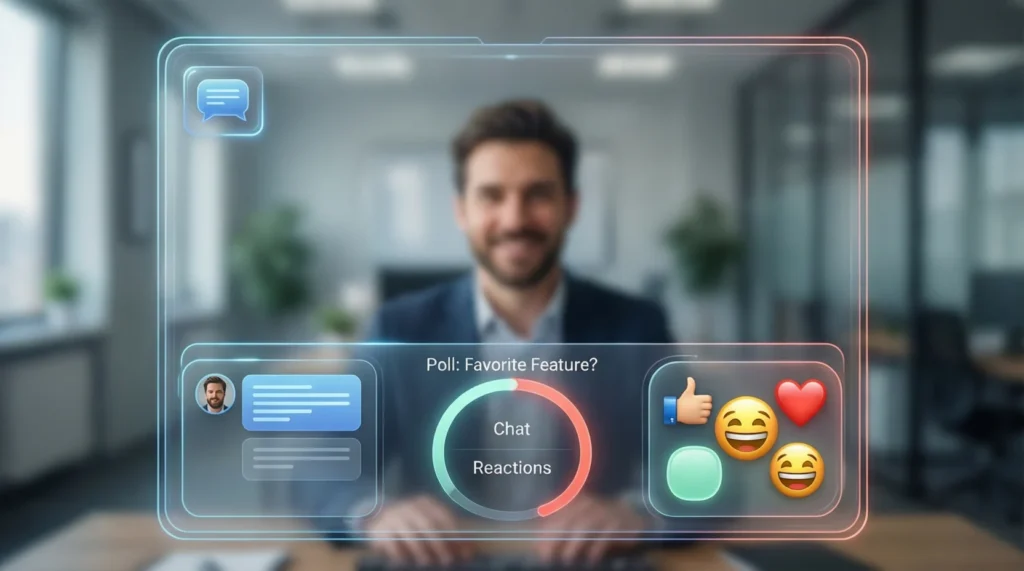
- Chat and Reactions: Utilize chat features and reaction buttons to contribute without interrupting. For example, thumbs-up or hand-raise icons signal agreement or intention to speak.
- Stay Focused: Close unrelated tabs or applications to maintain attention. Avoid checking messages or emails, as this reduces engagement and professionalism.
Proper engagement ensures that meetings run smoothly, ideas are clearly conveyed, and all participants feel respected and heard.
Handling Common Virtual Meeting Challenges
Even with preparation, challenges can arise. Handling them with composure reinforces professionalism.
- Technical Glitches: If your audio or video fails, remain calm, quickly attempt troubleshooting, and notify the host politely.
- Overlapping Conversations: If multiple people speak at once, wait for a natural pause before interjecting. A brief apology can help maintain harmony.
- Background Interruptions: Pets, family members, or noisy environments happen. Excuse yourself briefly if necessary or use virtual backgrounds.
- Ensuring Equal Participation: Encourage quieter colleagues to speak by asking for their input politely. This fosters inclusivity and collaboration.
By addressing challenges gracefully, you demonstrate patience, adaptability, and respect—qualities that stand out in virtual settings.
After the Meeting: Follow-Up Etiquette
The meeting doesn’t end when you log off. Thoughtful follow-ups enhance clarity and reinforce professionalism.
- Summarize Key Points: Send a concise email with action items, deadlines, and responsibilities. This prevents misunderstandings and keeps everyone aligned.
- Share Relevant Materials: Attach documents, links, or resources discussed during the meeting to reinforce key takeaways.
- Provide Feedback: If requested, offer constructive feedback respectfully and thoughtfully. Avoid rushing responses to maintain quality.
- Reflect and Prepare: Take notes on improvements for future meetings. Self-assessment helps refine etiquette over time.
Follow-ups not only demonstrate organization and accountability but also leave a lasting positive impression with colleagues and clients.
Advanced Tips for Professional Virtual Presence
- Virtual Backgrounds: Use them to maintain privacy or a professional appearance. Avoid distracting or inappropriate visuals.
- Eye Contact Mastery: Look into the camera when speaking to simulate eye contact rather than focusing on the screen.
- Engagement Tools: Leverage polls, whiteboards, breakout rooms, or screen-sharing features to make discussions interactive.
- Building Rapport: Begin with a brief greeting, small talk, or appreciation for participation. Personal connections enhance collaboration and morale.
These advanced techniques elevate your online presence and differentiate you as a thoughtful, competent professional.
Common Mistakes to Avoid
- Forgetting to mute your microphone, causing disruptive background noise.
- Talking over others or dominating conversations.
- Poor lighting, messy background, or inappropriate attire.
- Neglecting preparation or showing up late.
- Failing to follow up after meetings.
- Multitasking or appearing disengaged on camera.
Avoiding these mistakes ensures you remain respected, reliable, and effective in virtual settings.
FAQs
1. What is the most important virtual meeting etiquette rule?
Always be prepared and attentive. Punctuality, clear communication, and active engagement matter most.
2. How can I stay engaged in long virtual meetings?
Take notes, use chat functions for questions, and participate in polls or discussions to maintain focus.
3. Is it acceptable to eat or drink during virtual meetings?
Avoid eating on camera unless it’s a casual or social meeting. Drinking water quietly is generally acceptable.
4. How do I handle interruptions or technical issues politely?
Stay calm, mute your microphone if needed, notify the host, and rejoin promptly. Politeness and patience are key.
Final Thought
Mastering virtual meeting etiquette is no longer optional; it is essential in today’s professional landscape. Every detail from preparation and punctuality to engagement and follow up contributes to your credibility, effectiveness, and the overall success of online collaboration.
By consistently practicing these guidelines, you not only communicate more clearly but also strengthen professional relationships, build trust, and demonstrate respect for everyone involved. Remember, virtual professionalism leaves a lasting impression, often shaping opportunities for growth, advancement, and meaningful connections in the digital workspace.

Naz Fatima is an author at Saypadia who specializes in writing clear, relatable, and reader-friendly content about language, expressions, and modern terminology. She enjoys breaking down meanings with real-life context so readers can quickly understand and apply them. Naz’s work reflects a strong commitment to clarity, accuracy, and helping users find quick answers without confusion.