
Have you ever hit the “Print” button and noticed a little checkbox that says Collate, and suddenly you’re not sure if you should click it or leave it alone? That was me the first time I printed a multi-page assignment in college.
I had no idea why my pages kept coming out in the wrong order — until someone finally explained what collate means. If you’ve been confused too, you’re definitely not alone.
Quick Answer:
Collate in printing means arranging multiple printed pages in the correct order, especially when printing more than one set of a document. Turning collate ON gives you complete, neatly ordered sets; turning it OFF prints all copies of page 1 together, all of page 2 together, and so on.
What Does Collate Mean in Printing?
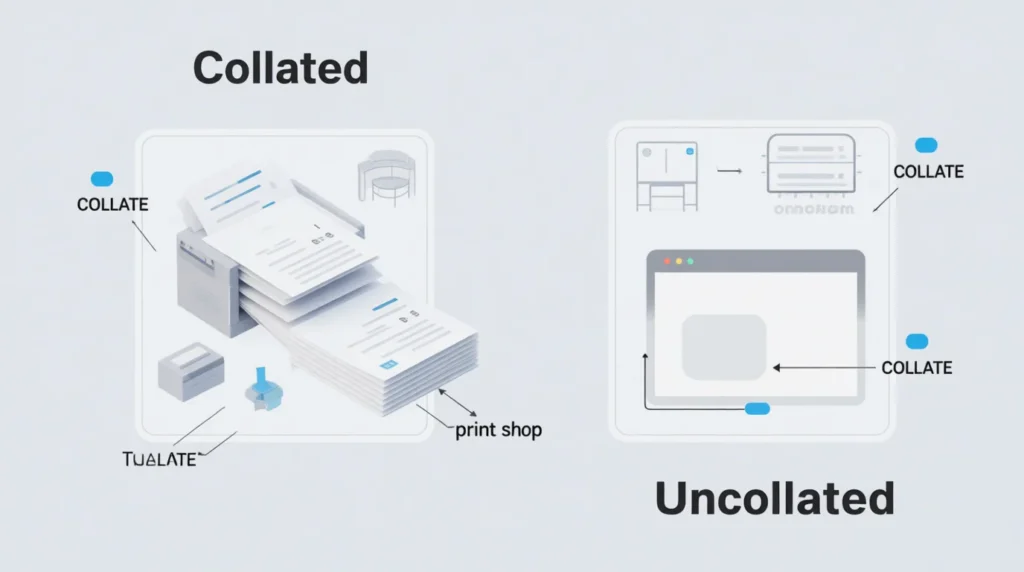
Collate means to print multi-page documents in order, one full set at a time.

Example:
If your document has Pages 1–5 and you need 3 copies:
- Collate ON:
1–5
1–5
1–5 - Collate OFF:
1,1,1
2,2,2
3,3,3
4,4,4
5,5,5
In short: Collate = print in sequence = complete, ordered document sets.
Where Is “Collate” Commonly Used in Printing?
You’ll see “Collate” on:
- 🖨️ Home printers
- 🏢 Office printers & copiers
- 📚 Schools and libraries
- 📄 PDF readers and document editors (Word, Google Docs, Adobe)
- 🛒 Print shops
Formality:
Collate isn’t slang — it’s a standard printing term used professionally and casually.
Examples of Collate in Real Conversations
Here are real-life, text-style examples showing how people use it:
A: I’m printing the report. Should I collate it?
B: Yes please, we need full sets.
A: Your printer keeps mixing pages 😭
B: Turn collate on.
A: Do you want collated copies or separate pages?
B: Collated! Makes stapling easier.
A: The copier printed 30 page 1s at once 💀
B: lol you forgot to collate.
A: For the handouts, collate or no?
B: Collate. They’re multi-page.
When to Use and When NOT to Use Collate
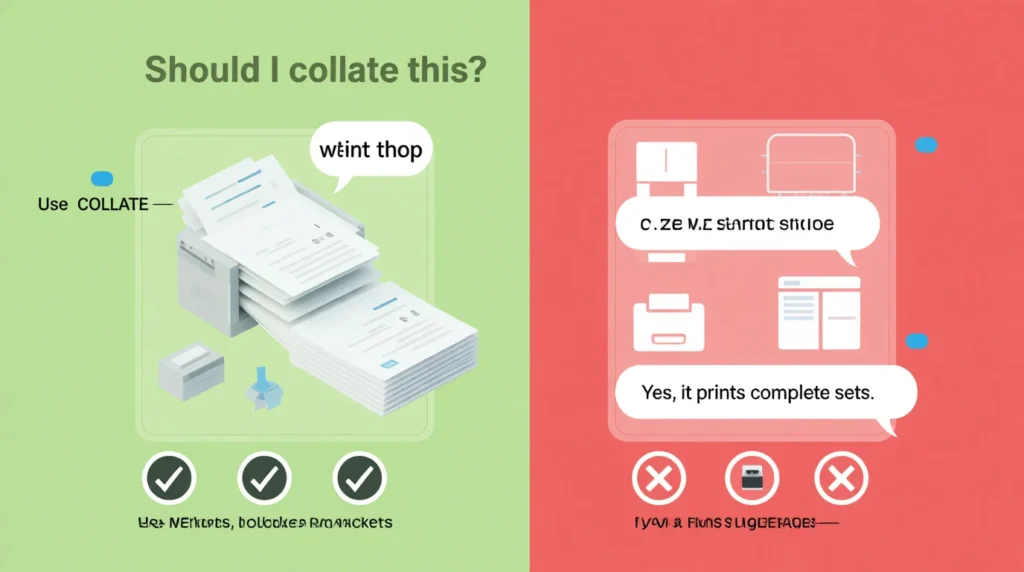
✅ When to Use Collate
- When printing multi-page documents
- When you want neat, complete sets
- When distributing booklets, reports, assignments, handouts
- For professional printing
- When sharing documents with a team
❌ When NOT to Use Collate
- When printing single-page documents
- When you want to manually organize pages
- When printing large batches of one page (e.g., flyers)
Comparison Table
| Context | Example Phrase | Why It Works |
|---|---|---|
| Office Print Job | “Print 5 collated sets.” | Ensures ordered document sets |
| School Assignment | “Please collate before submitting.” | Keeps submissions organized |
| Print Shop | “Collated copies or uncollated?” | Helps staff print correctly |
| Home Printing | “Turn collate off for 100 flyers.” | Faster for single-page jobs |
Similar Printing Terms or Alternatives
| Term | Meaning | When to Use |
|---|---|---|
| Uncollated | Prints all pages of the same number together | Large batches of the same page |
| Duplex | Prints on both sides | Saving paper |
| Staple/Finishing | Automatically staple sets | Reports, packets |
| Booklet Printing | Prints in booklet layout | Manuals, catalogs |
| Sort | Arranges order of sets | Multi-user print queues |
FAQs About Collate in Printing
1. What happens if I don’t collate when printing a multi-page document?
You’ll get stacks of each page grouped together instead of full, organized sets.
2. Does collating use more ink?
No. Collating only changes the order — ink usage stays the same.
3. Is collate the same as double-sided printing?
No. Collate = order of pages.
Double-sided = printing on both sides of paper.
4. Should I collate only multi-page documents?
Yes. Single pages don’t need collating.
5. Why do printers ask if I want my pages collated?
Because it impacts how many sets you get and how the pages come out.
Conclusion
Collate is one of those printing terms that looks technical but is actually simple. When you turn collate ON, your printer gives you full, neatly ordered document sets — perfect for reports, assignments, or anything with multiple pages. When you turn it OFF, you get groups of identical pages, which is helpful for single-page prints or bulk flyers.
Now that you know what collate means and when to use it, printing gets way easier and way less messy.

Hadi Bhatti is a passionate writer and content creator at Saypadia, known for turning complex words, phrases, and internet slang into simple, easy-to-understand explanations. With a strong interest in language, meanings, and digital communication, Hadi focuses on helping readers understand what words really mean in everyday use. His writing style is clear, engaging, and user-focused, making learning both practical and enjoyable.