
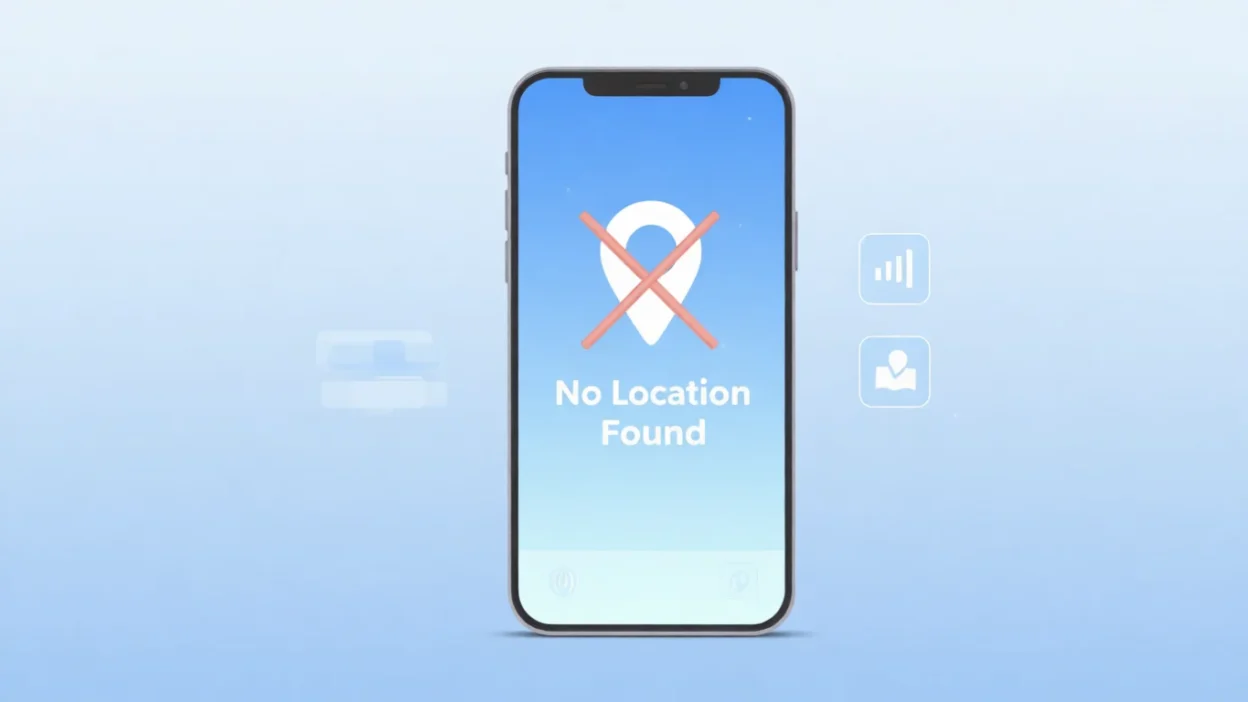
If you’ve ever opened Find My on your iPhone and suddenly saw “No Location Found,” you’re not alone. The first time it happens it feels confusing because you expect to see someone’s live location but instead… nothing.
It happened to me when I tried checking where my friend was after she said she was “on the way,” and the app simply showed No Location Found.
For a moment I wondered if her phone died, whether she had no signal, or if she turned something off by mistake.
Quick Answer:
No Location Found means your device can’t detect the other person’s real-time location. This usually happens when their phone is offline, out of service, turned off, has disabled location services, or hasn’t updated its location recently.
What Does “No Location Found” Mean on iPhone?
When Find My shows “No Location Found,” it means the system is unable to retrieve the other person’s current location data. It doesn’t mean they blocked you. It simply means their phone isn’t sending any location information at that moment.
Common reasons include:
- Their phone is turned off
- No cellular or WiFi signal
- Low-power mode slowing updates
- Location Services are disabled
- Find My is turned off
- The date & time are incorrect
- Airplane mode is on
- They haven’t been connected to the internet for a while
Simple example:
You: “I’m checking your location but it says no location found lol.”
Friend: “Phone died 💀 give me 5 mins.”
In short: No Location Found = Your device can’t reach the other person’s phone to get its latest location.
Where Do You Usually See “No Location Found”?
You typically see it in:
- Find My iPhone
- Find My Friends
- Find My app on iOS
- Shared location links
- Family Sharing location
It’s mostly an iPhone/iPad message, not Android.
This phrase is informal and technical, not slang — users see it inside the app rather than in text messages.
Examples of “No Location Found” in Real Situations
Here are realistic examples of how people talk about it:
1.
A: “Your location isn’t updating.”
B: “Yeah it says no location found, I’m underground rn.”
2.
A: “Why does it show no location found?”
B: “Phone died 😭 charging now.”
3.
A: “Trying to check where you’re at but it’s not working.”
B: “Signal is trash out here lol.”
4.
A: “Find My says no location found… you good?”
B: “All good! I turned off my phone for a bit.”
5.
A: “It shows no location found again.”
B: “WiFi dropped. Give it a sec.”
When to Worry & When Not to Worry
✅ When It’s Normal
Use “no location found” as a normal explanation when:
- Someone’s phone battery is dead
- They’re in a low-signal area
- Their phone is restarting
- They switched to airplane mode
❌ When It Might Be a Problem
It might be worth checking if:
- Location has been unavailable for hours
- The person usually shares location and suddenly stopped
- You think their phone was lost or stolen
Quick Comparison Table
| Context | What You See | Why It Happens |
|---|---|---|
| Friend’s battery died | No Location Found | Device is offline |
| No WiFi/Cellular | No Location Found | Can’t send updates |
| Airplane mode | No Location Found | All signals off |
| Disabled location services | No Location Found | They turned it off |
| Phone lost/stolen | No Location Found | Offline or erased |
Similar Terms You Might See
| Term | Meaning | When It Appears |
|---|---|---|
| Location Not Available | System can’t fetch latest location | Often when signal is weak |
| No Network | Internet isn’t working | Airplane mode/poor service |
| Offline | Device disconnected | Phone off or dead |
| Stopped Sharing Location | Person disabled sharing | Manual privacy choice |
| Location Services Off | GPS disabled | User settings turned off |
FAQs About “No Location Found”
1. Does “No Location Found” mean they blocked me?
No. If you were blocked you’d still see their last location, not this message.
2. Does it mean they stopped sharing location?
Stopping location sharing shows a different message: “Location Not Available.”
3. Can this happen if the phone is dead?
Yes — this is one of the most common reasons.
4. How is it different from “Location Not Available”?
“No Location Found” means the device is offline.
“Location Not Available” means the system can’t update location but the device may be online.
5. How do you fix it?
Tell the person to:
- Turn on WiFi or cellular
- Restart the phone
- Enable Location Services
- Keep Find My enabled
- Update their iOS

Naz Fatima is an author at Saypadia who specializes in writing clear, relatable, and reader-friendly content about language, expressions, and modern terminology. She enjoys breaking down meanings with real-life context so readers can quickly understand and apply them. Naz’s work reflects a strong commitment to clarity, accuracy, and helping users find quick answers without confusion.