
You know that moment when you open Snapchat, tap on a friend’s Bitmoji, and suddenly a tiny green dot pops up next to their name? The first time I saw it, I froze for a second because I wasn’t sure if it meant online, active, or literally watching me scroll their profile.
If you’ve had that same “what does THIS mean??” moment, you’re not alone.
Snapchat keeps adding subtle features, and the green dot is one of the most confusing ones. But don’t worry — it’s actually a simple status signal once you understand it.
Quick Answer:
The green dot on Snapchat means the user is currently active on the app. It’s Snapchat’s way of showing that someone was recently online and might see your message right away.
🧠 What Does the Green Dot Mean on Snapchat?
The green dot is Snapchat’s “Active Now” indicator. When you see it next to a user’s Bitmoji or profile icon, it means:

- They opened Snapchat within the last few minutes, OR
- They’re currently active on the app.
It works similarly to “online” dots you see on Instagram, Facebook, and TikTok.
Example:
If you tap someone’s Bitmoji and see a green dot, it means they’re active and more likely to reply quickly.
In short:
Green Dot = Active Now = Recently online or currently using Snapchat.
📱 Where Is the Green Dot on Snapchat Commonly Seen?
You’ll see the green dot in several places across the app:

- 💬 Chat Screen — Next to a friend’s Bitmoji or name
- 👤 Friend Profile — When you tap their Bitmoji
- 🔍 Quick Add / Search Results — To show who’s active
- 📸 Stories Page — Sometimes next to a user’s avatar
Is it formal or casual?
It’s purely informational, not slang.
It’s casual and social-media-friendly since it only indicates activity status.
💬 Examples of the Green Dot in Real Conversations
Here are realistic chat interactions people have because of the green dot:

1
A: “you on snap?”
B: “yea lol green dot gave me away 💚”
2
A: “bro i know you’re active send the pics 😂”
B: “wait wait i’m sending”
3
A: “why u ignoring me 😭 green dot says otherwise”
B: “I SWEAR I WAS REPLYING TO SOMEONE ELSE 😭”
4
A: “can we talk?”
B: “yeah i’m on snap rn”
5
A: “you active?”
B: “yeah i see your msg pop up”
6
A: “i saw the green dot 👀 who u snapping?”
B: “omg chill i just opened the app 😭”
🕓 When to Pay Attention to the Green Dot vs. When NOT To
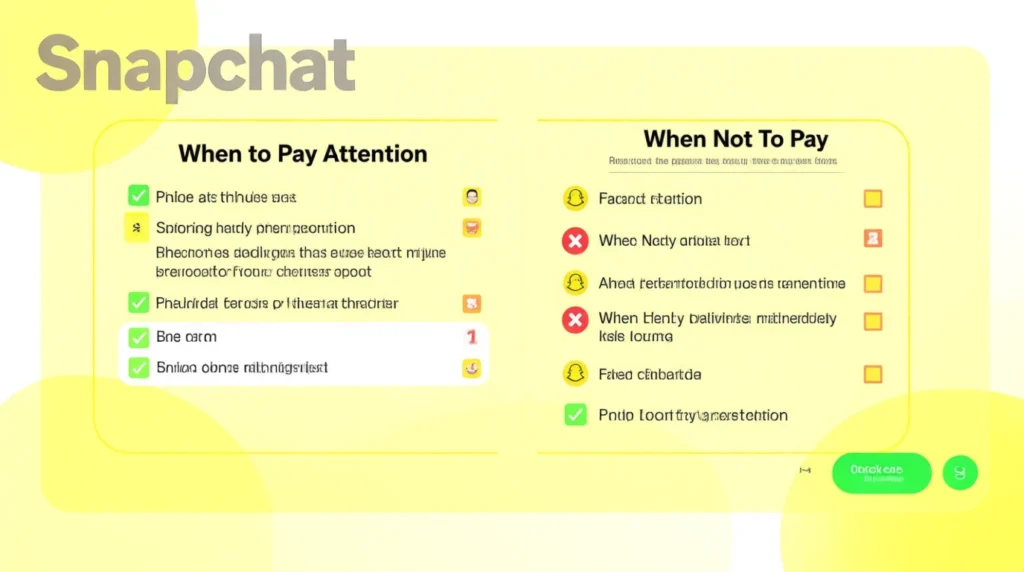
✅ When to Pay Attention
- When you want to know if someone is active right now
- If you’re expecting a quick reply
- When coordinating plans in real time
- When trying to confirm someone saw your message
❌ When NOT To Take It Seriously
- When the person doesn’t reply instantly
- When you think they’re ignoring you — the dot can lag
- In serious or sensitive conversations
- At work or in professional communication (Snapchat = casual!)
Comparison Table
| Context | Example Phrase | Why It Works |
|---|---|---|
| Friend Chat | “you’re active rn so check my snap 😂” | Light, casual, friendly |
| Work Chat | N/A | Snapchat is not appropriate for professional chats |
| N/A | Online indicators don’t apply to email | |
| Relationship Chat | “i saw your green dot, can we talk?” | Shows real-time communication |
| Group Planning | “everyone w green dot check the group snap” | Quick coordination |
🔄 Similar Snapchat Indicators or Alternatives
| Feature | Meaning | When to Use |
|---|---|---|
| 🔵 Blue Chat Arrow | You’ve sent a Chat message | General texting |
| 🔴 Red Snap Icon | You’ve sent a Snap without audio | Sharing quick photos |
| 🟣 Purple Snap Icon | You’ve sent a Snap with audio | Sharing video snaps |
| 🔥 Snapstreak | You and a friend snapped daily | Daily communication |
| 👀 Story Viewed | Someone opened your story | Checking engagement |
| Bitmoji Action | Shows if someone is typing or on Snap Map | Live activity |
❓ FAQs About the Green Dot on Snapchat
1. Does the green dot mean someone is watching my snaps?
No. It only means the person is active on Snapchat, not viewing your content.
2. How long does the green dot stay on?
Usually a few minutes after someone was last active.
3. Can I turn off the green dot?
Yes. You can disable Activity Indicators in Settings.
4. Does the green dot mean someone is typing?
No. Typing shows a Bitmoji with bubbles, not a green dot.
5. Why do I see a green dot when they’re not replying?
They might be active elsewhere on the app, not necessarily in your chat.
Conclusion
The green dot on Snapchat is simply an activity indicator showing that a user is active or was recently active.
It helps you know if someone is likely to respond quickly, but it doesn’t mean they’re ignoring you or reading your messages in real time. Since Snapchat keeps adding subtle features, understanding the green dot helps you communicate better and avoid misunderstandings.
Whether you’re coordinating plans, chatting with friends, or tracking your streaks, this small green icon can give you a better sense of who’s online and available.

Naz Fatima is an author at Saypadia who specializes in writing clear, relatable, and reader-friendly content about language, expressions, and modern terminology. She enjoys breaking down meanings with real-life context so readers can quickly understand and apply them. Naz’s work reflects a strong commitment to clarity, accuracy, and helping users find quick answers without confusion.